


How to send a pop-up message on local network
Without Net Send?
Guide to alternatives to the Net Send in 2026
« Guided reading
Find the essentials in 60 seconds
The context, key signals and priority actions brought together in this article.
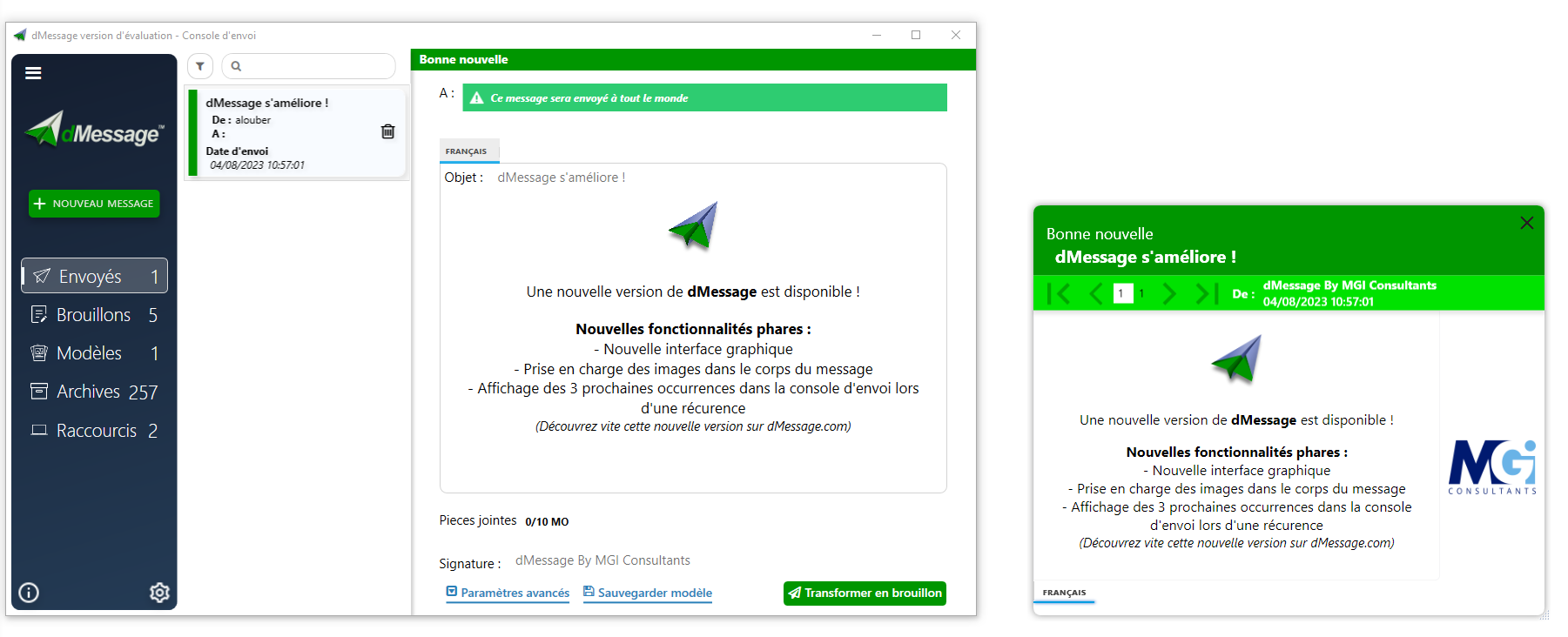
Imagine the scene: Emergency communication in companies has evolved radically. For system administrators, the disappearance of the historical Net Send command left a critical technological vacuum. Today, as we navigate in an environment full of information, the question is no longer just to send information, but to ensure that it is received immediately.
E-mails are no longer enough: between the information overload and the risk that urgent messages will be drowned in the mass, the rate of reading in real time is in free fall. This is where modern solutions such as dMessage, the reference alternative for the dissemination of alerts on LAN come into play.
Dangerous limits
Tel.
Busy line or fatal silent mode.
Informational drowning and late reading.
Net Send
Obsolete, vulnerable and deleted by MS.
The end of the Net Send era
Since Windows 7, and permanently on Windows 10 and 11, the "Messenger" service has been deleted for reasons of security deficiencies and lack of control. dMessage reinvents this need with a modern and secure interface.
The Red Code reflex
Generate a native pop-up that is required above all open applications. The information goes to the foreground without any server delay.
Targeting Active Directory
Target a specific user, a service or the entire network in just a few clicks thanks to Microsoft Plug & Play integration.
Scenario: Threat Phishing
A ransomware attack is identified. E-mails are compromised. You're broadcasting a pop-up alert: "ALERT: Do not click on any attachments. Network maintenance in progress."
Outcome: The recipients concerned have a notice to respond to the incident.
Security & Sovereignty LAN
Why 350,000 employees use dMessage daily?
On-Premise Solution
Your alerts never leave your local network. In a context of increased cyber threats, access and security remain to be configured according to your organization's rules.
Trust Majority
Deployed in critical structures: Industry, Defence, Health . Proven robustness for high-demand environments.
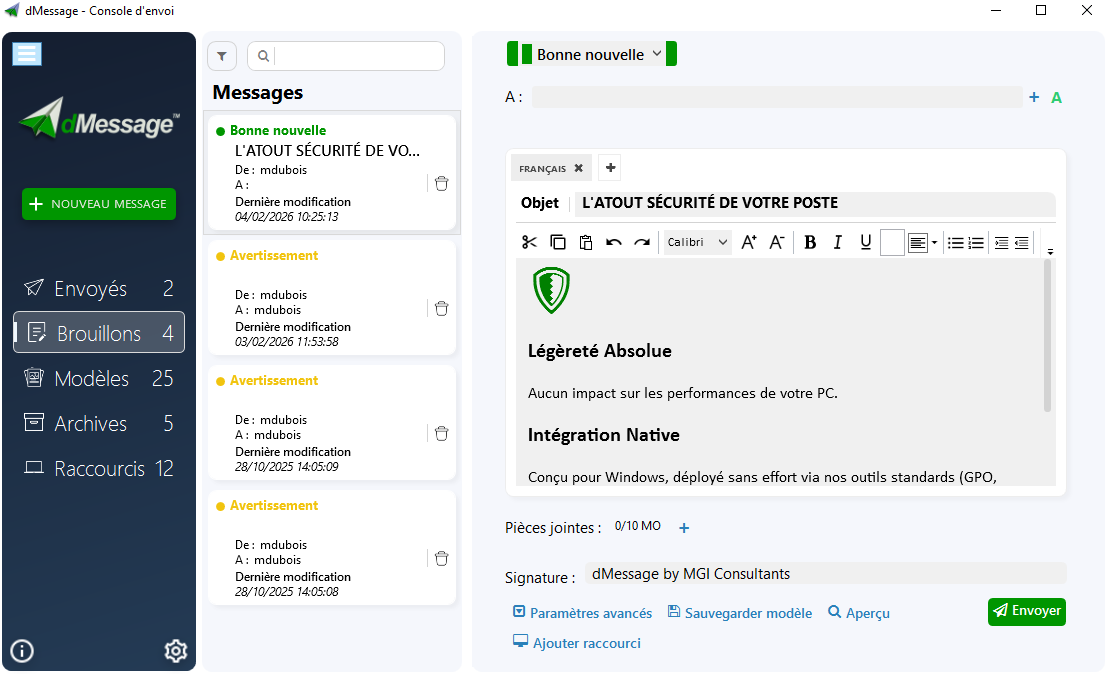
Why DSI prefers dMessage
dMessage is not just a pop-up messenger, it is an optimized IT governance tool for the Windows ecosystem.
The HR Impact: Security and Serenity
Silence becomes your best defense to protect human capital.
Panic button
A vital function to trigger an instant alert in case of physical threat at the reception or counter.
Scenario management
Prepare your messages for the Hospital White Plan or critical maintenance in advance.
Total Traceability
Get real-time nominative read-in accused to follow the message's consideration.
Compare LAN Mail Solutions
| Criteria | MSG / PowerShell Scripts | dMessage |
|---|---|---|
| Pop-up visibility | Binaire (System) | Incontourable (First plan) |
| AD Targeting | Complex / Manual | Native and Instant |
| Audit / Accused | Non-existent | Detailed nominal reports |
| Installation | Requires Admin rights | MSI Silent Deployment |
Frequently Asked Questions
Yes. dMessage works exclusively on your local network (LAN). The distribution of alerts remains operational even in the event of a complete shutdown of web access or cloud.
Targeting is done transparently through the import of your groups Active Directory. You send the information to the right people without polluting other services.
Each message generates a traceability report. You visualize in real time that has closed the pop-up, ensuring that the information flow is fluid and efficient.
Take control of your LAN communication
Don't let your critical messages get lost.
Join the 350,000 users who trust dMessage for their safety.
Take action before the next incident
Strengthen your critical communication with a targeted, visible and measurable pop-up channel.