


dMessage: dMessage 10.5: Confirmation of reading, filter and safety
« Guided reading
Find the essentials in 60 seconds
The context, key signals and priority actions brought together in this article.
Business impactQuick responseAction plan
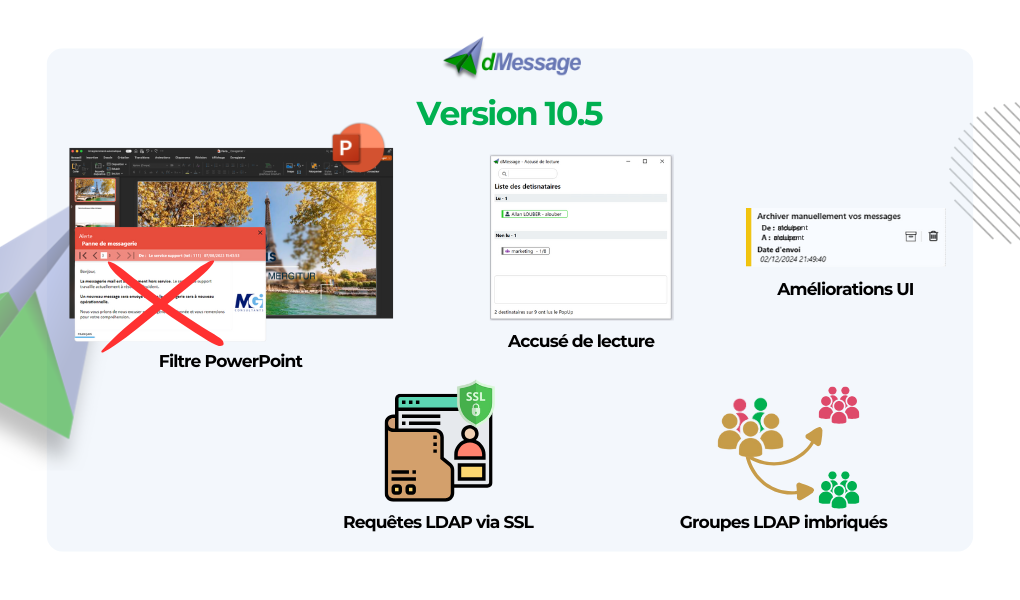
With dMessage version 10.5, make sure you have accurate and efficient communication in your company with popup alerts.
Here are the new features:
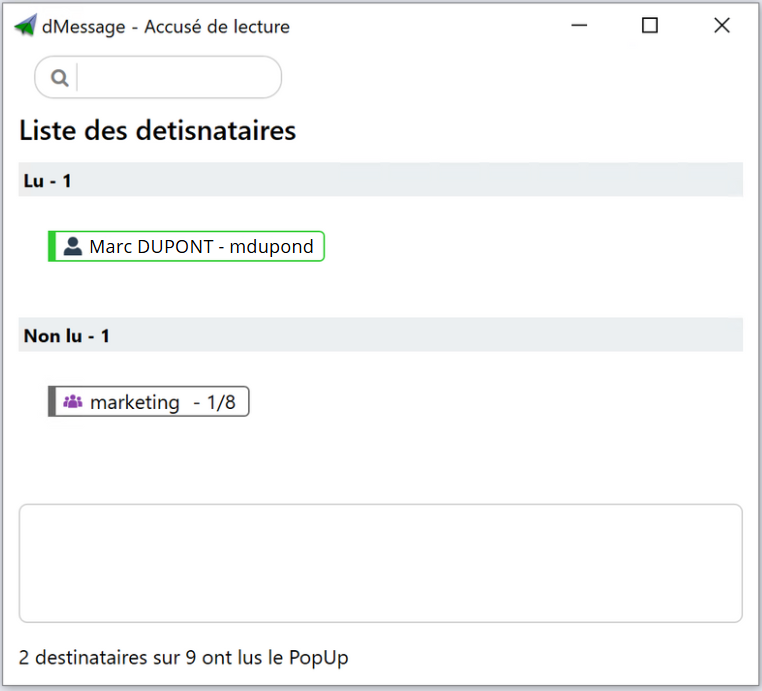
- Establishment of the accused of reading: You can now check that all recipients have read the alerts sent. This allows you to better track the dissemination and reading of your messages.
- Support for nested groups: To further simplify the organization and sending of alerts, dMessage now supports the interlocking of user and computer groups in the Active Directory. The aim is to enable one group to be added as a member of another group, thus facilitating the grouping of users.
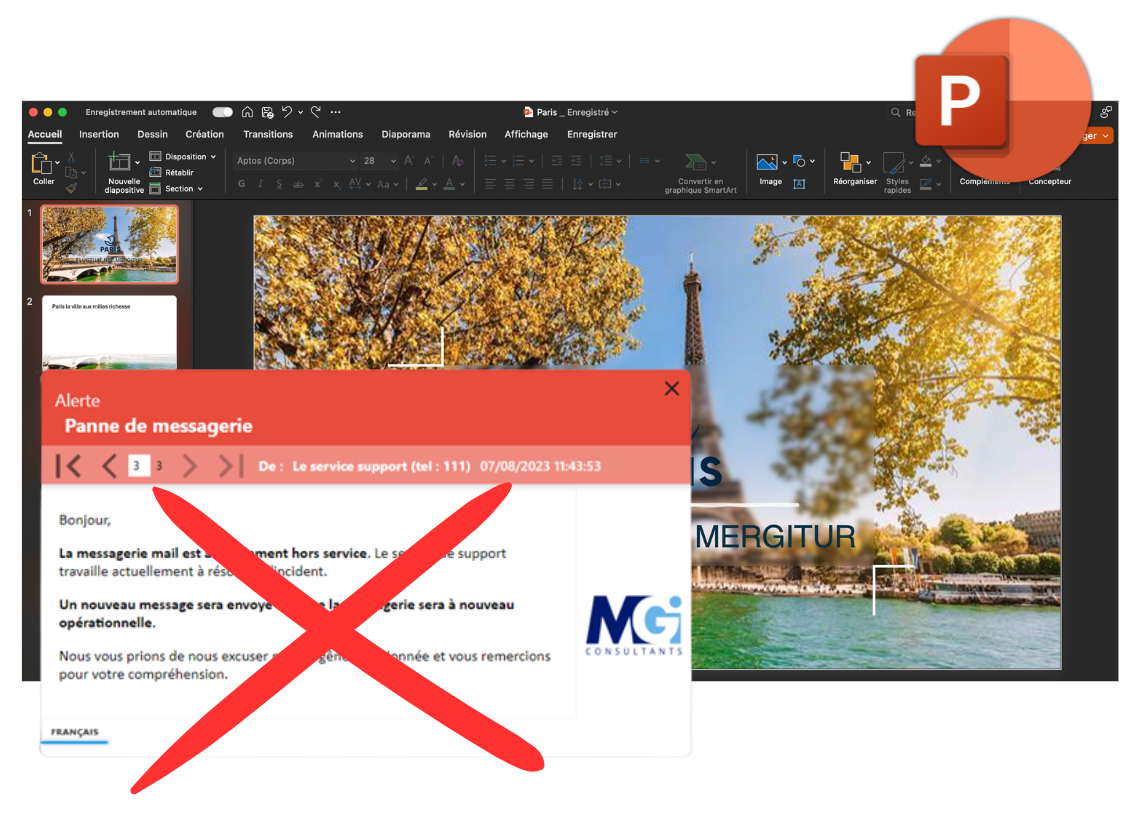
- Filter on PowerPoint presentations: Avoid interrupting an important meeting with the PowerPoint presentation filter. This feature allows blocking the POPUP display if you are in presentation.
- Secure LDAP requests via SSL: Thanks to SSL certifications, your communications using the LDAP protocol are now fully secure. This prevents malicious attempts to intercept and read LDAP requests.
- Improved attachment support: An error message will now appear if an attachment is unavailable. In addition, a button is added to quickly reload files, improving the management of shared documents.
- Improvement of IU and UX: Manual message archiving is now available, offering more control in the management of your communications. In addition, you have the possibility to create shortcuts from drafts to smooth the use of the console.

In summary, dMessage version 10.5 enhances the security and assurance of successful communication. Download it now to enjoy these new features! 的
Interested in dMessage? Feel free to contact our team who will be happy to give you a demo presentation and answer all your questions.