


Computer maintenance alerts: Stop surprise interruptions
« Guided reading
Find the essentials in 60 seconds
The context, key signals and priority actions brought together in this article.
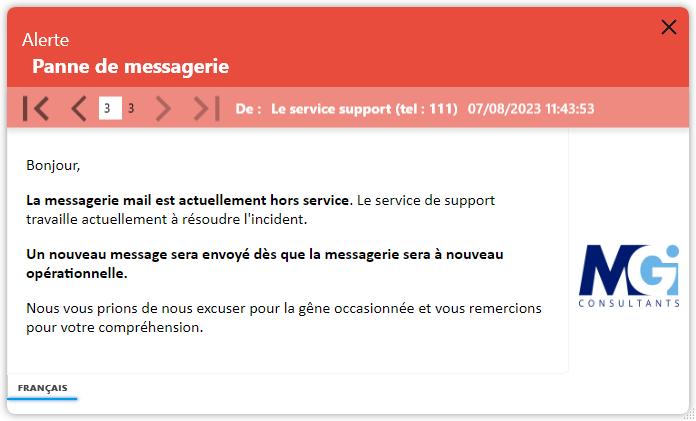
Poorly announced maintenance creates frustration, unnecessary calls and avoidable secondary incidents.
A 4 phase maintenance
1. Warning (H-24)
Send a pop-up dMessage targeted 24h before with date, time, estimated duration, affected applications and backup instructions.
2. Short reminder (H-45 min)
Redeiff a pop-up 30 to 60 minutes before with the exact niche, the expected real impact and the support point of contact.
3. Switching message (H0)
Trigger a pop-up at the beginning of maintenance to confirm temporary unavailability and avoid misunderstandings.
4. Resumption of service (H+30)
Send a pop-up to confirm the return to normal, the checks to be made and the procedure to follow in case of an anomaly.
Concrete example (ERP maintenance)
H-24: “ERP maintenance tonight from 22:00 to 22:30. Please save your work.”
H-45 min: "Incoming start, recommended closure of sessions".
H0: "Maintenance in progress".
H+30: "Restored service, reconnect and check your treatments."
Why Action Now
When users are not prepared, maintenance becomes a crisis. Proactive communication limits this risk.
Message planning
dMessage allows you to plan pop-up (date, time, recurrence) in advance to automate reminders and avoid oblivion during maintenance.
Check-list ready to deploy
Define typical messages by critical application. In an incident, you save time and keep a constant level of communication.
Additional guide: crisis communication IT.
Priority objective
Do not wait for the next critical maintenance to correct the internal alert flow.