


Practical case: application failure, effectively alert the reference team
« Guided reading
Find the essentials in 60 seconds
The context, key signals and priority actions brought together in this article.
Business impactQuick responseAction plan
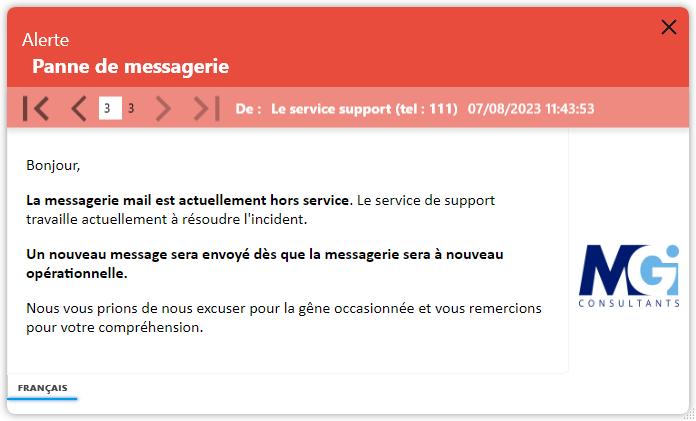
Prevent teams from detecting an incident
Your monitoring tool reports a failure on a business application. The reference team must know the service affected, the impact found and the first action to be taken. With dMessage, you can prepare a pop-up message and broadcast it to the recipients concerned on your local network.
Preparing a useful and focused message
- Describe the incident: relevant application, time of detection and observed symptoms.
- Select recipients: Support team or collaborators involved, using Active Directory information and available filters.
- Specify the instructions: saving the work, avoiding an operation or following the support channel.
- Prepare for follow-up: announce the next point of information, then return to service once confirmed.
Connect your alerts to supervision
dMessage allows sending by command line. This function can be used from your monitoring tools to trigger a pre-prepared message. Test the recipients and trigger conditions in your environment before integrating it into your incident procedure.
Check out the targeting and automation features and our crisis communication guide IT.