

The same dock number at dispatch and the drivers’ desk
The shift log has the full details of the closure. At the drivers’ desk, one sentence is enough: “Until 2 p.m., deliveries for dock 3 are going to dock 2.” The shift supervisor can send that notice through dMessage to the Windows PCs running the software at dispatch and the drivers’ desk. A second warehouse with a dock 3 of its own stays off the recipient list.

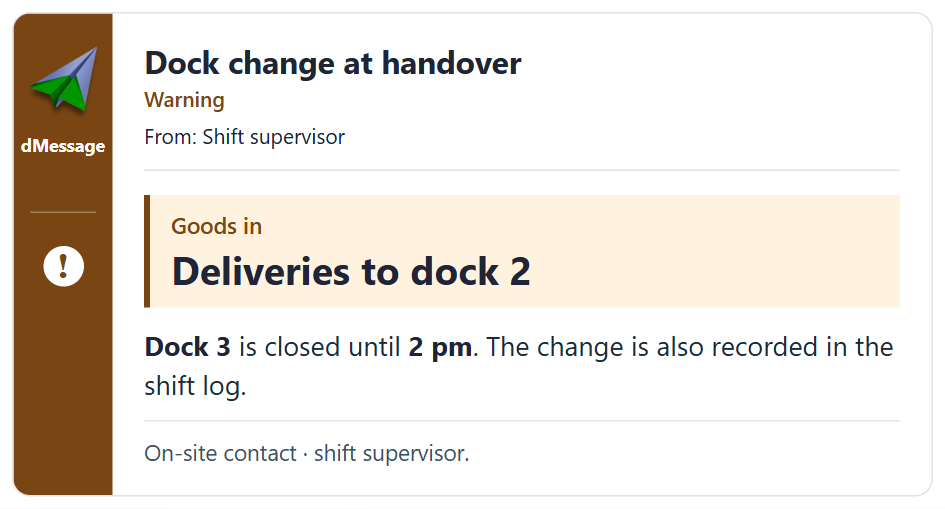
Dock change at handover
Warning
From: Shift supervisor
Goods in
Deliveries to dock 2
Dock 3 is closed until 2 pm. The change is also recorded in the shift log.
On-site contact · shift supervisor.
The supervisor can schedule a reminder for the start of the next shift. On a shared PC, a fresh message can reach the person taking over even if the morning colleague already closed the first one. The dMessage agent needs to be running on the PC and have access to the warehouse network.
What about the driver who arrives just before 2 p.m.?
The notice tells the person at the desk who to call: the shift supervisor. If dock 3 stays closed, the supervisor can send an updated time to the same PCs. Colleagues on the dock can keep in touch by radio or in person. The shift log still holds the details for the next handover.
If some colleagues prefer a different language, the same window can also display the instruction in more than one language.
More than 300,000 users protected by dMessage
A notice on the PC your shifts share
The 30-day trial lets you display your own notices on PCs at your site.