

Why email does not work during an attack
- It may be shut down deliberately to contain the attack.
- It may be compromised: a fake “help desk” message is already circulating.
- It is not read fast enough for an immediate instruction.
Which channel should you use?
| Channel | Strength | Limit |
|---|---|---|
| Window on PCs | Seen straight away, targeted by department. | Depends on the internal network. |
| Phone and heads of department | Works with the network down. | Slow for many people. |
| SMS | Reaches people who are away. | Needs an up-to-date list of numbers. |
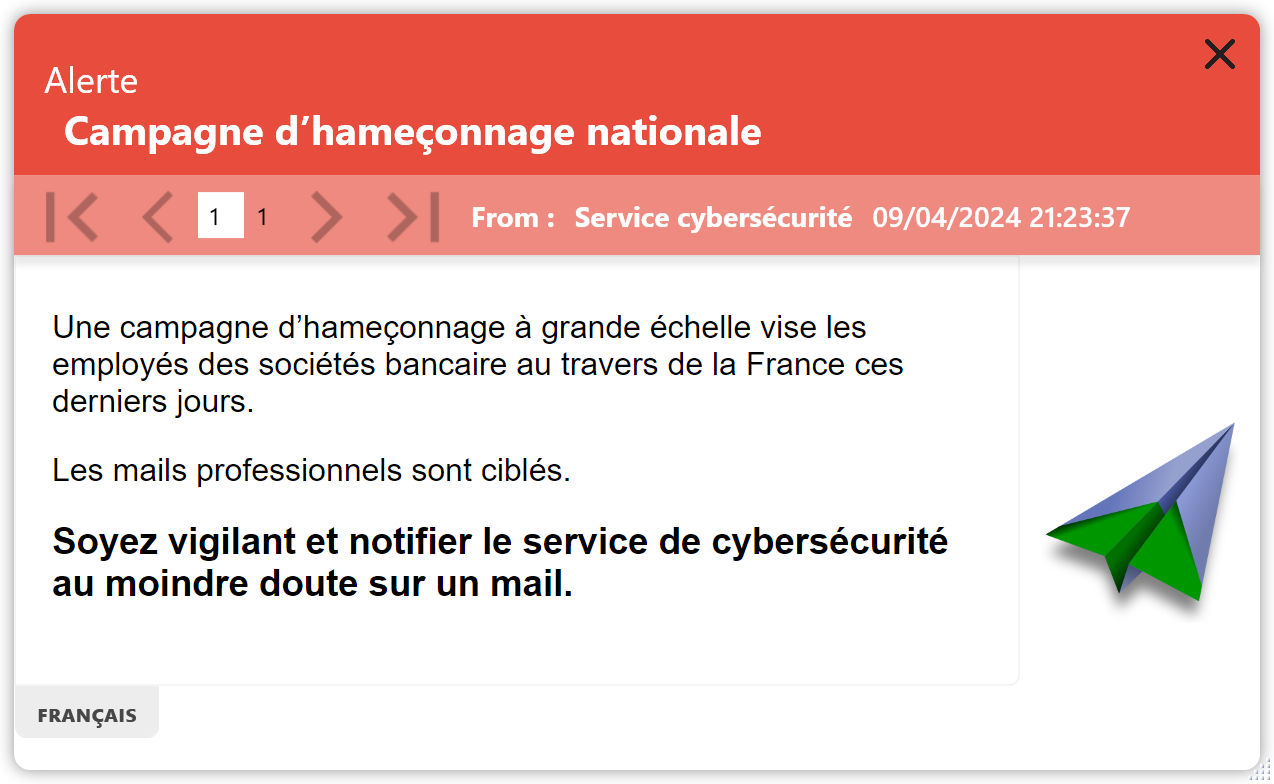
Combine them: the window on PCs before the network is isolated, then the phone while it is cut off, then PCs again during recovery.
What to say, and in what order
- Right away. Open nothing, do not restart, call a specific number if an unusual message appears.
- Within the hour. The services affected, what still works, the time of the next update.
- On recovery. The order in which services return and what to do, such as changing your password.
Trap
Copying the fake site’s address or the fake message’s text into the alert. Describe them, without a clickable link.
Frequently Asked Questions
Should you warn staff before cutting off the network?
If the IT team considers it possible, yes: a short instruction stops everyone restarting or unplugging their PC in their own way.
What should you tell staff if data has leaked?
What the organisation has confirmed, what it will never ask for, and whom to report a suspicious call or email to.
Safran, Amundi, France’s Council of State and more than 300,000 protected users
Prepare your cyber crisis messages now
During the free 30-day trial, save your three templates and test them on a pilot group.
See also: Town hall cyberattack · NIS2 and the Resilience Act · Fake IT support calls