

What is a workplace pop-up message?
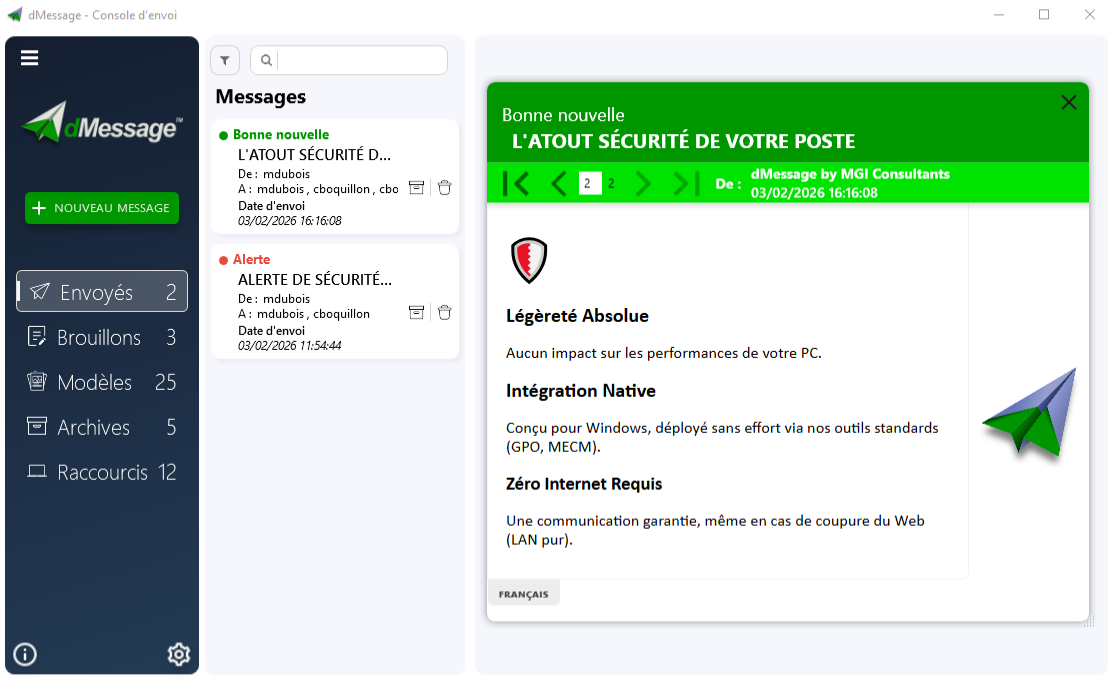
It is a window sent by dedicated software that opens on top of everything on the employee’s PC. It has a title, an importance level, a sender and a short text. The employee reads it, then closes it.
When to choose a pop-up over email?
| Message | Best channel |
|---|---|
| Outage in progress, safety instruction, maintenance in 30 minutes | Pop-up |
| Staff memo, minutes, newsletter | Email or intranet |
| Monthly security reminder | Short pop-up, with a link to the details |
The pop-up is for what cannot wait. If the message can be read tomorrow, it does not need to interrupt anyone today.
Five best practices
- One message, one instruction. What the person must do fits in one sentence.
- The right audience. Target the department or site concerned rather than the whole company.
- The right level. Keep the “alert” level for emergencies, or it loses its effect.
- The right moment. Avoid interrupting a presentation: dMessage can wait until a PowerPoint slideshow ends.
- A planned follow-up. Announce the time of the next message if the situation is changing.
Avoid
Using pop-ups for everything. After a few unimportant messages, employees close the window without reading it.
Frequently Asked Questions
Is a workplace pop-up intrusive?
It is by nature, which is why it should be kept for useful messages and the right people.
Do you need software to send a pop-up?
Windows offers the msg command for a one-off message. To target a department, track reads and prepare templates, you need dedicated software.
Safran, Amundi, France’s Council of State and more than 300,000 protected users
Send your first pop-up to a pilot group
Free 30-day trial, installed on your network.
See also: Enterprise alert software · Send a message to every PC